
A business website is, no doubt a great marketing tool and asset for any organization. A website can be redesigned for many reasons – as an investment for your future business or to make the website more visually appealing, or to stay up-to-date with new technologies. What about the impact of this re-design on SEO traffic? Unless you have taken some precautions, a steep drop in SEO traffic is what you can expect soon after a website redesign. After CMS migration, SEO traffic can be expected to drop even twice. Many companies have lost a great percentage of their natural search traffic after a redesign or migration. Things are the same with healthcare website design too.
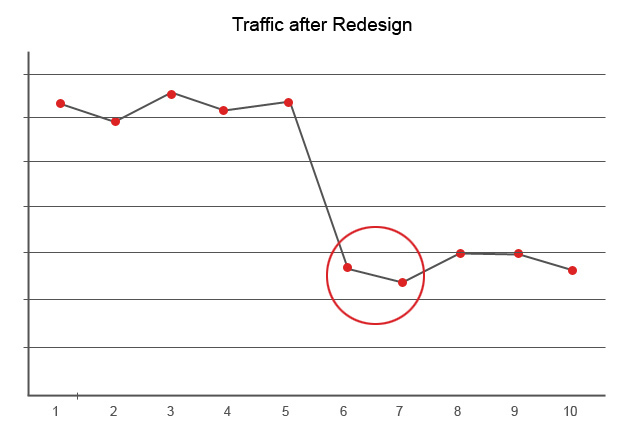
So, what can be done along with a website redesign to save your SEO power? With reference to a leading healthcare client’s website, let us check out some ways to avoid losing a majority of your rankings and organic search traffic when redesigning a website or migrating to a new CMS.
Know Your Site – Crawl It
With design changes, it is recommended to use the same URLs as far as possible. However, if there is a change in the URL, make sure to let the search engines know where you have moved those old URLs to. If not, be ready to face drop in rankings, organic search traffic, and thus revenue.
You can consider using Xenu Link Sleuth, a free tool for spidering a website or Screaming Frog software, a paid solution to crawl your site. Here we have used Xenu Link Sleuth to crawl this healthcare website.
Xenu provides a wealth of information such as status codes, server errors, inbound links, external links, page metadata, etc. These reports can be exported;and make sure that the website structure clearly indicates the URLs that need to be migrated (or redirected).
Inbound Link Analysis
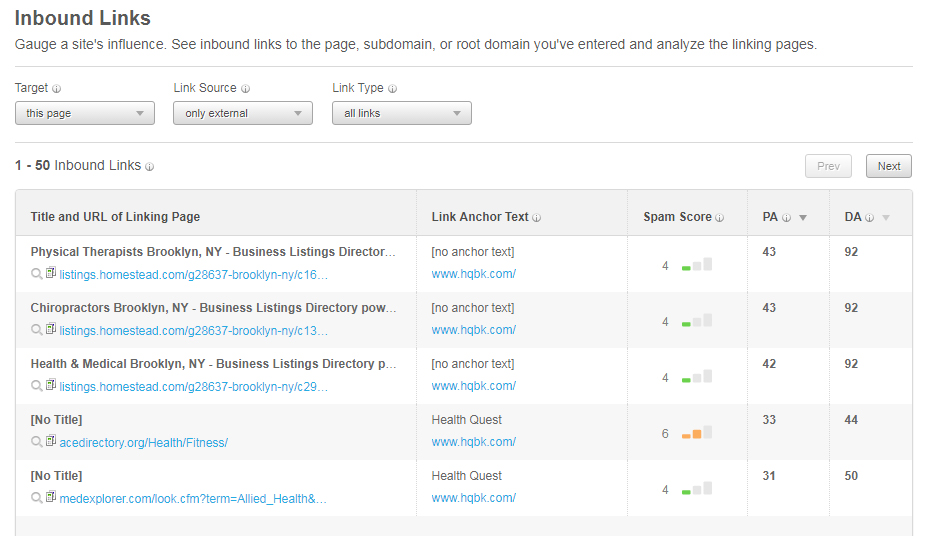
As URLs change, links that point to your digital content will need to be updated. Know the pages linking to you, and where they are linking. An inbound link analysis helps to fully understand your link profile. Never skip this step during a redesign or migration. This analysis determines your link profile and creates a list of pages that must be reclaimed, and then sort results by sites with the highest domain authority and relevance. Tools such as Open Site Explorer or Majestic SEO can be used to perform an inbound link analysis.
This analysis is done using Open Site Explorer tool.
301 redirect
 Make sure that all your old URLs 301 redirect to the new ones. Create a list of all the URLs on your website, and identify any pages that will need to be rerouted with a permanent 301 redirect. 301 redirects will safely pass PageRank from your older pages to the newer ones, and will enable you to maintain your Search Equity. However, it would be great if you could keep the same URL structure as your original website. For URLs that remain the same, you don’t need to issue 301s. For this particular client, URLs were the same.
Analyze Current Site Reporting
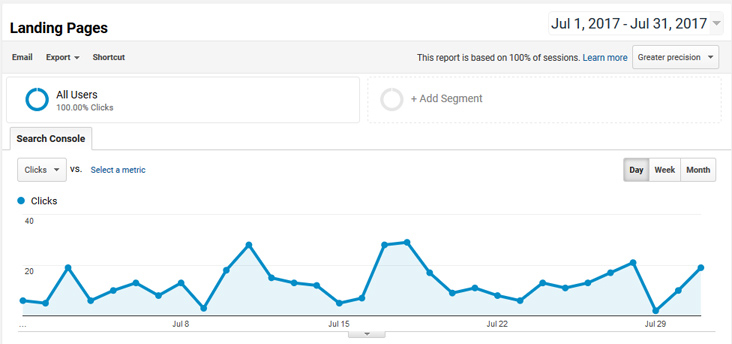
Use Google Analytics to analyze your website’s top content, landing pages, and referring sites. These reports will help you gain a solid understanding of which pages are visited most, which are the top landing pages, and which pages are receiving the most referral traffic. Once you analyze these reports, make sure you export them from your analytics package so everyone involved knows which pages have to be migrated to the new site.
Don’t Forget On-page Optimization
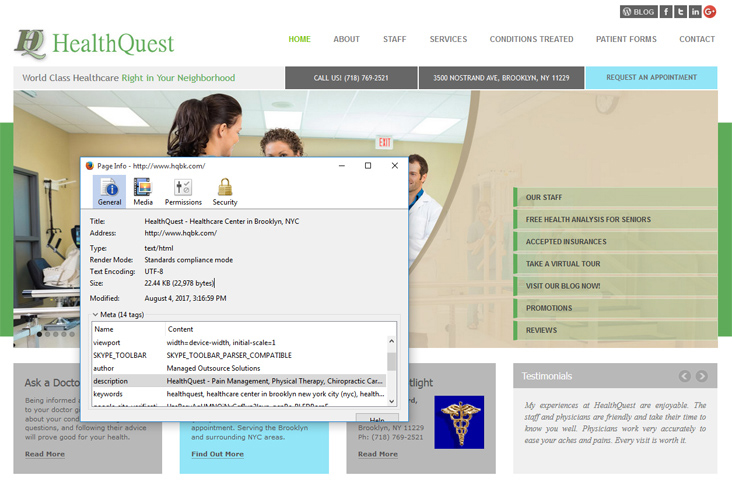
On-page optimization should go along with designing. While making design changes, find time to review your current optimization, document it, and make sure your new pages contain that optimization. Content optimization can be analyzed using browser plug-ins such as SearchStatus and SEO Site Tools. On-page analysis helps to find potential optimization issues.
Webmaster Accounts are crucial
Setting up webmaster accounts of leading search engines such as Google and Bing helps to verify ownership of a website, analyze diagnostics for your sites, view search queries and click-through data. The tools provide options to monitor your site prior to, during, and then after a redesign, thus ensuring everything is going well. For redesigns, Google Webmaster Tools provide functionality for users to actually tell Google when they are moving domains!
A professional healthcare digital marketing company knows that all important components from alt tags to images, navigational menus to internal links can be tested and tracked according to each business’s desired metrics. This will help to study how the changes you make to the website are affecting your SEO performance as well as user experience.